Get started with FoQus
FoQus is in closed alpha: a small group is using it while the team learns and improves it. Here is how to ask for a place, what you need, and what your first pause looks like.
Request access
Requests go through your SustematiQ account. This website does not collect your details.
Sign in to SustematiQ
Use your SustematiQ account on the FoQus access page, or create one there.
Send your request
Add a note if you like, and confirm that you agree to your request being processed.
A person reviews it
The FoQus team reads every request. Places are limited, so a request does not guarantee access.
Open FoQus
Once your request is approved, you can open FoQus from the same page in your browser.
What you need
A recent web browser
Such as Chrome, Edge, Safari or Firefox, on a computer, tablet or phone. There is nothing to install.
A few minutes
One, three or five. You can end a pause early at any time.
Sound, if you want it
Speakers or headphones for background sound. Silent works just as well.
Aged 16 or over
FoQus is intended for people aged 16 and over.
Your first pause
Accept the Terms of Use
You are asked once per visit, before anything else.
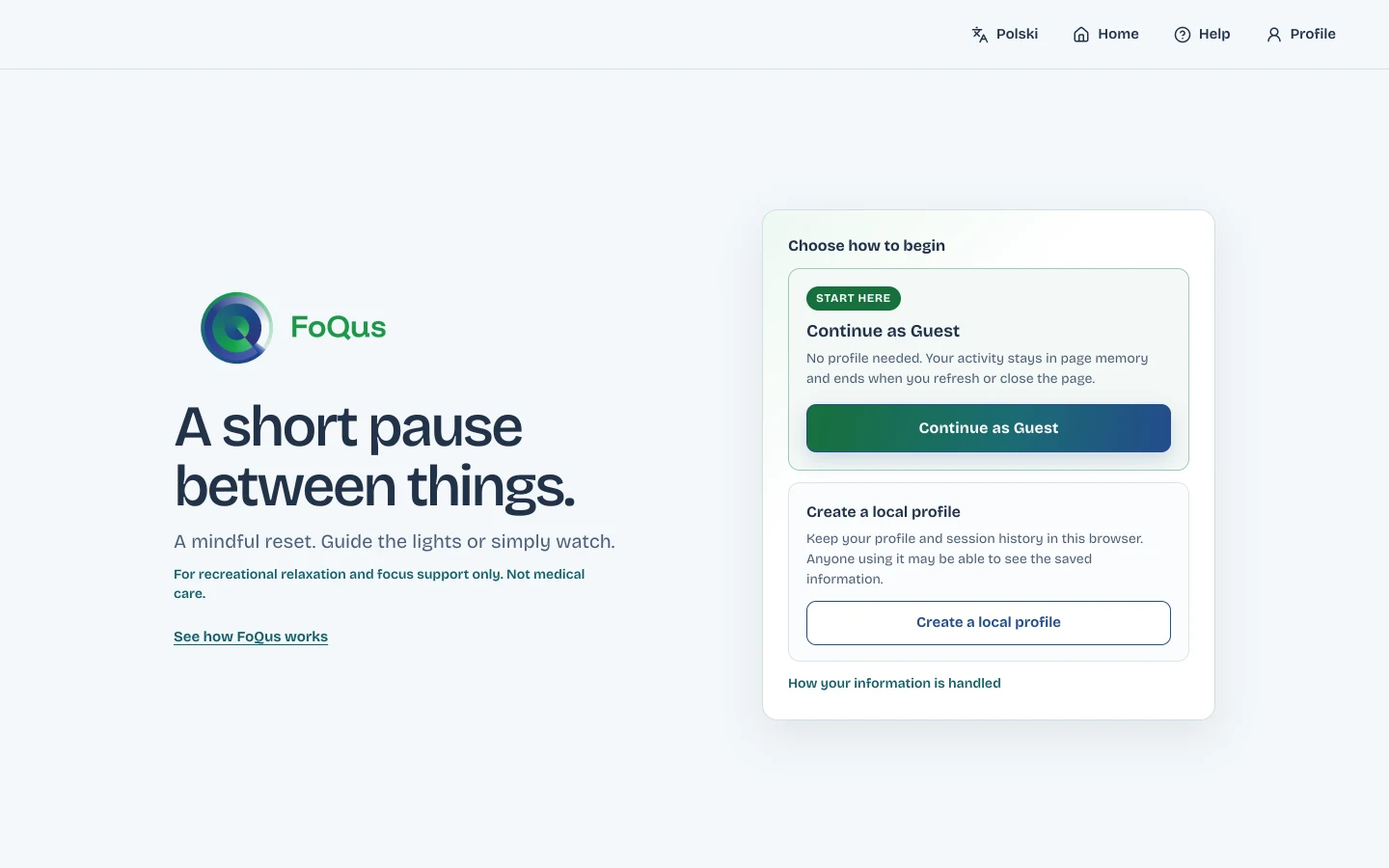
Continue as a guest
The easiest way to try it. You can create a local profile later.
Skip or answer the check-in
Four optional questions, one at a time.
Press Begin pause
The suggested setup is a good first choice: three minutes, Steady 4·6, soft rain.
Read the first-play guide
It explains what is on screen. Then the pause starts.